Revolutionizing LED Alerts
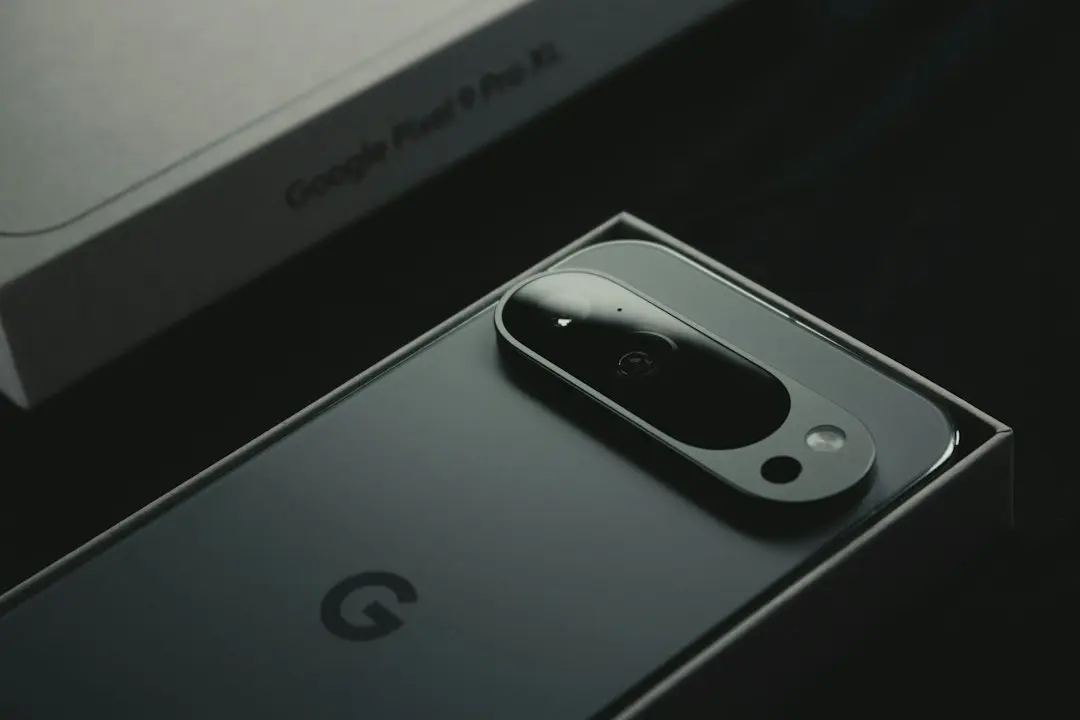
Google has updated the Pixel 11 Pro’s HiLight LED to recognize text messages after the release of Android 17 QPR2 beta. The change, rolled out on September 30, 2026, brings new functionality to the phone’s notification system.
Breaking news
 Trump Orders Federal Agencies to Adopt „Super Intelligence” Terminology
 The Silicon Valley Accountability Gap
 Running a Local AI Model on a Phone Handles Most Chat Prompts
 Google Photos Could Soon Offer a Fresh Start with Ask Photos Feature
HiLight LED has long signaled missed calls, alarms, and low battery. It previously ignored standard text messages. Android 17 QPR2 beta introduced new APIs that allow the LED to display message alerts. This update gives users a clear visual cue for incoming chats.
How the Update Enhances Communication
The new feature turns the Pixel 11 Pro into a more responsive communication device. Users can now see a flashing light whenever a message arrives, even if the phone is locked. This reduces the need to unlock the device to check notifications.
User Experience
Developers can now tailor LED colors for specific apps. The Pixel 11 Pro supports red for SMS, blue for WhatsApp, and green for email. Users can adjust brightness and duration in settings.
Developer Perspective
The LED now flashes in a distinct pattern when a new message arrives. Users report that they no longer miss important texts while sleeping. The pattern can be customized in the notification settings.
Google has released a new API that lets app developers control LED behavior. The API supports priority flags and color codes. Developers can ensure their messaging apps use the LED effectively.
Market Impact
Manufacturers may follow Pixel’s lead. Early adopters of Android 17 on other devices have shown interest in LED message alerts. The feature could become a differentiator in the competitive flagship market.
Google plans to extend LED support to other notification types, such as alarms and app updates. The company also aims to improve battery efficiency for LED usage. Users can look forward to smarter, quieter alerts.
Frequently Asked Questions
Overall, the update enhances convenience and aligns with Android’s focus on accessibility. Users can now enjoy a more intuitive notification experience without unlocking their phones.