How the 26H2 build changes memory handling
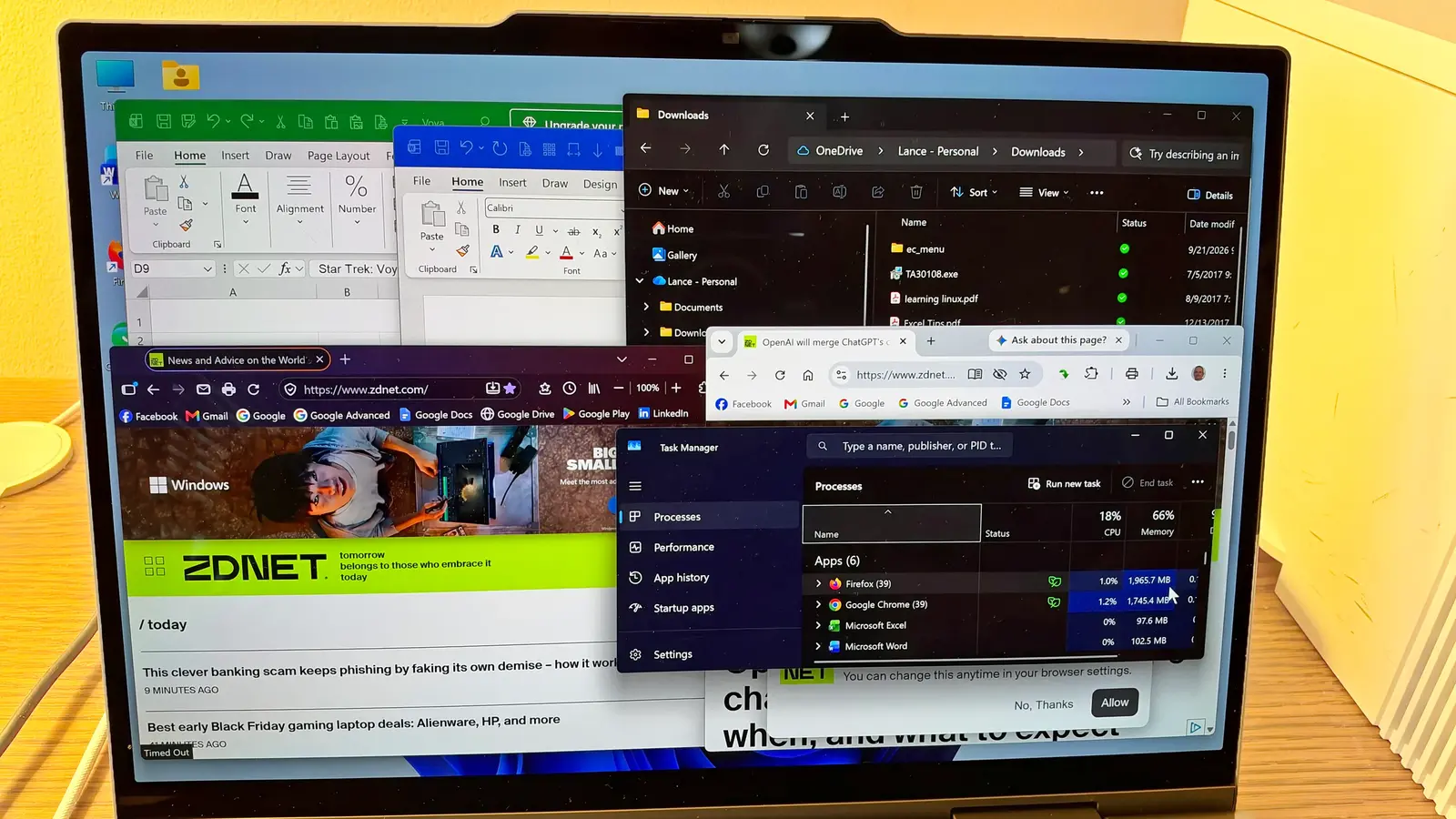
Microsoft has released updates to Windows 11 that significantly improve speed and memory management. These changes are specifically designed to help computers with only 8GB of RAM perform better. Users can experience these improvements by updating to the latest Windows 11 26H2 build. The more memory a PC has, the faster it should run, especially when juggling multiple applications and files simultaneously.
Breaking news
 Samsung Shifts Galaxy Watch Strategy to Two-Year Release Cycle
 Tesla rolls out FSD v15 with major safety upgrade
 Open-Source Tools Challenge AI-Powered Development Platforms
 AI Infrastructure Bottlenecks: Why Release Pipelines Hold Back Fast Clusters
The core issue with low-memory systems is how the operating system handles background processes. When RAM is scarce, the system struggles to keep essential services responsive. Microsoft's new build optimizes this by managing memory allocation more efficiently. This means fewer lag spikes and smoother multitasking on budget or older hardware.
Why does this matter for everyday users?
The update introduces smarter memory compression and swap management. Instead of freezing when RAM fills up, the system now prioritizes active applications over background tasks. This reduces the not respondingerrors common on 8GB machines. Microsoft states that these tweaks make Windows 11 viable on hardware that previously felt underpowered.
Most budget laptops and older desktops ship with 8GB of RAM. Upgrading hardware is expensive, so software fixes are often the only practical solution. With the 26H2 build, users don't need to buy more memory to get a noticeable speed improvement. The update also refines how the OS predicts which apps will be needed next, preloading them into memory before the user opens them.
Does this update work on all 8GB PCs? Yes, the performance gains apply to any Windows 11 machine with 8GB of RAM. The improvements are built into the operating system itself, so no hardware changes are required.
Frequently Asked Questions
How do I get the new performance features? You need to update your PC to the latest Windows 11 26H2 build. This can be done through Windows Update or by manually installing the build.
Will this make my 8GB PC feel like a 16GB PC? It will feel significantly faster and more responsive, but it won't match the raw power of a 16GB system. The update optimizes existing resources rather than adding new ones.