How Gemini Compares to Copilot in Daily Use
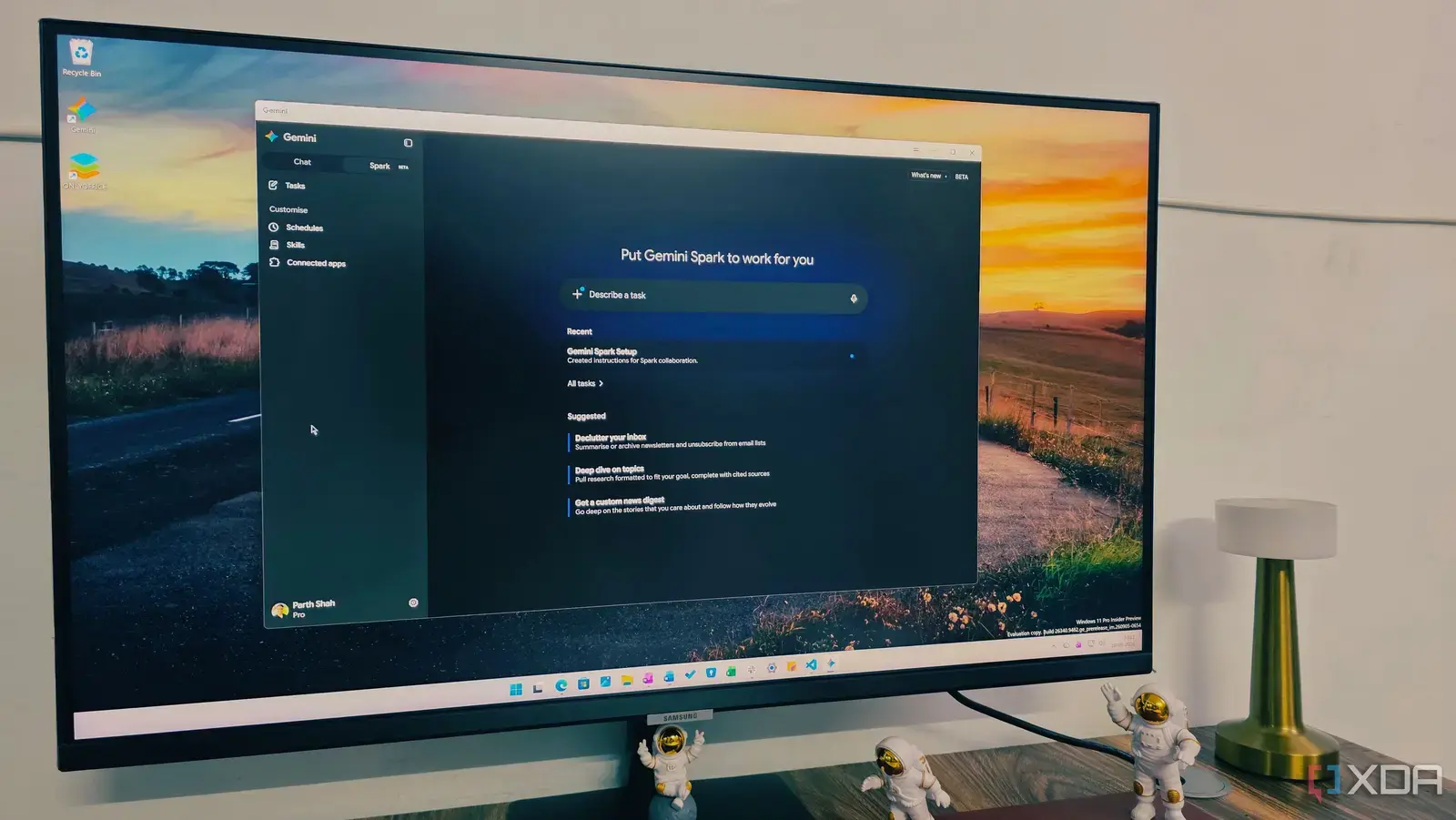
A new Gemini application for Windows has emerged as a strong contender to Microsoft Copilot, offering users an alternative AI assistant with notable capabilities. Released in September 2026, the app quickly gained attention for its performance and integration with the Windows environment, positioning itself as a viable option for those seeking advanced AI tools outside Microsoft's ecosystem.
Breaking news
 Trump Orders Federal Agencies to Adopt „Super Intelligence” Terminology
 The Silicon Valley Accountability Gap
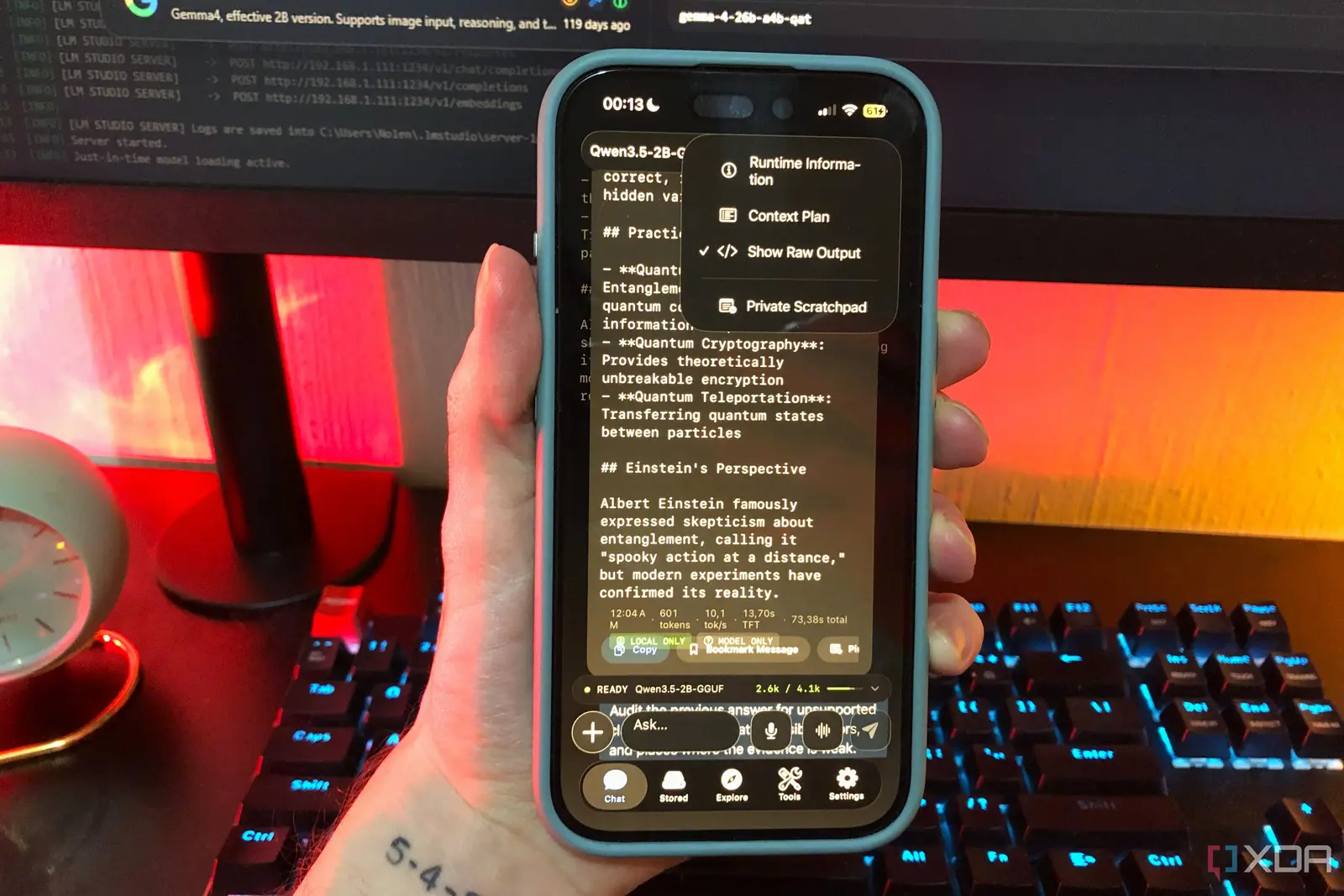 Running a Local AI Model on a Phone Handles Most Chat Prompts
 Google Photos Could Soon Offer a Fresh Start with Ask Photos Feature
The Gemini app distinguishes itself through its responsive interface and ability to handle complex tasks efficiently, drawing praise from early adopters who note its speed and accuracy in processing queries. Unlike some AI assistants that rely heavily on cloud processing, Gemini incorporates local computation features that reduce latency and enhance privacy, appealing to users concerned about data security. Its design focuses on seamless workflow integration, allowing users to summon assistance without disrupting their current applications.
What Makes Gemini Stand Out for Windows Users
Users report that Gemini excels in creative writing tasks and code generation, often producing more nuanced outputs than Copilot in specific scenarios. The app's training data includes a broad range of programming languages and technical documentation, which contributes to its strength in developer-focused workflows. While Copilot benefits from deep integration with Microsoft 365 suite applications, Gemini offers cross-platform flexibility that attracts users working across different operating systems.
The application's developers emphasize its optimization for Windows hardware, leveraging direct access to system resources for improved performance. This approach allows Gemini to utilize GPU acceleration more effectively than some web-based alternatives, resulting in faster response times during intensive tasks. Security features include on-device processing options for sensitive operations, addressing growing user demand for AI tools that minimize data exposure.
Is the Gemini app free to use on Windows? The Gemini app offers a free tier with basic functionality, while advanced features require a subscription model similar to other premium AI assistants.
Frequently Asked Questions
Does Gemini work offline on Windows devices? Certain core functions operate offline thanks to local processing capabilities, though some features requiring updated knowledge bases need an internet connection.
How does Gemini handle user privacy compared to other AI assistants? Gemini provides options for local data processing and minimizes cloud transmission, with clear settings allowing users to control what information is shared for improvement purposes.