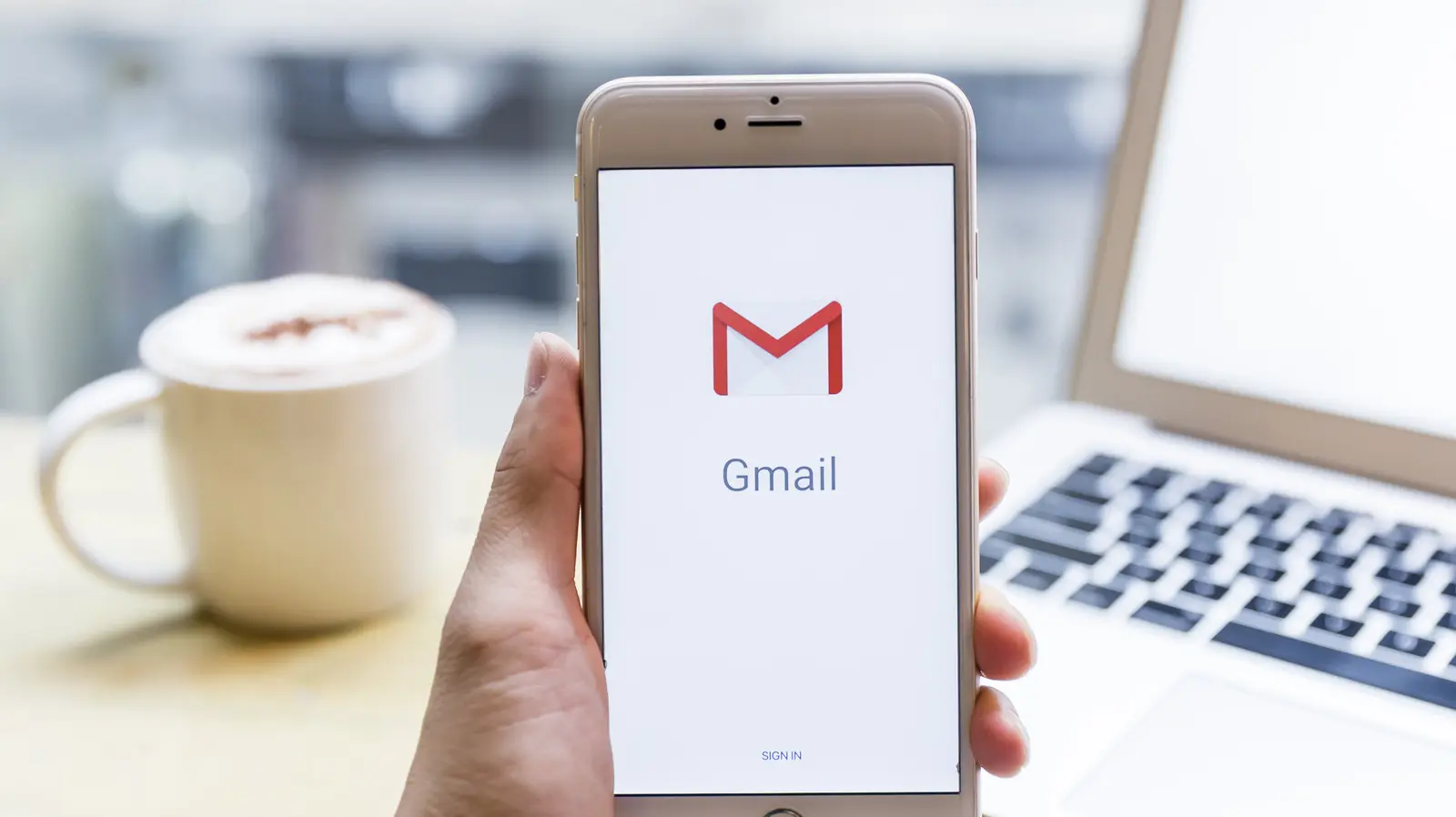
Turning Off Gemini's Email Access
Google's Gemini AI assistant now has the ability to read, summarize, and draft replies to your emails. This default behavior has raised privacy concerns among users who did not explicitly grant permission. The feature is part of Google's broader push to integrate AI into its core productivity tools.
Breaking news
 Samsung Shifts Galaxy Watch Strategy to Two-Year Release Cycle
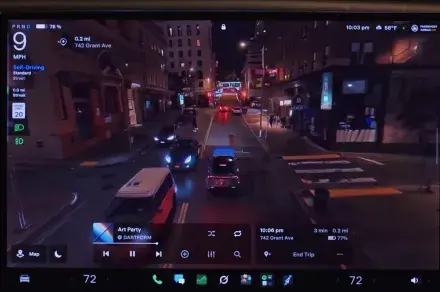 Tesla rolls out FSD v15 with major safety upgrade
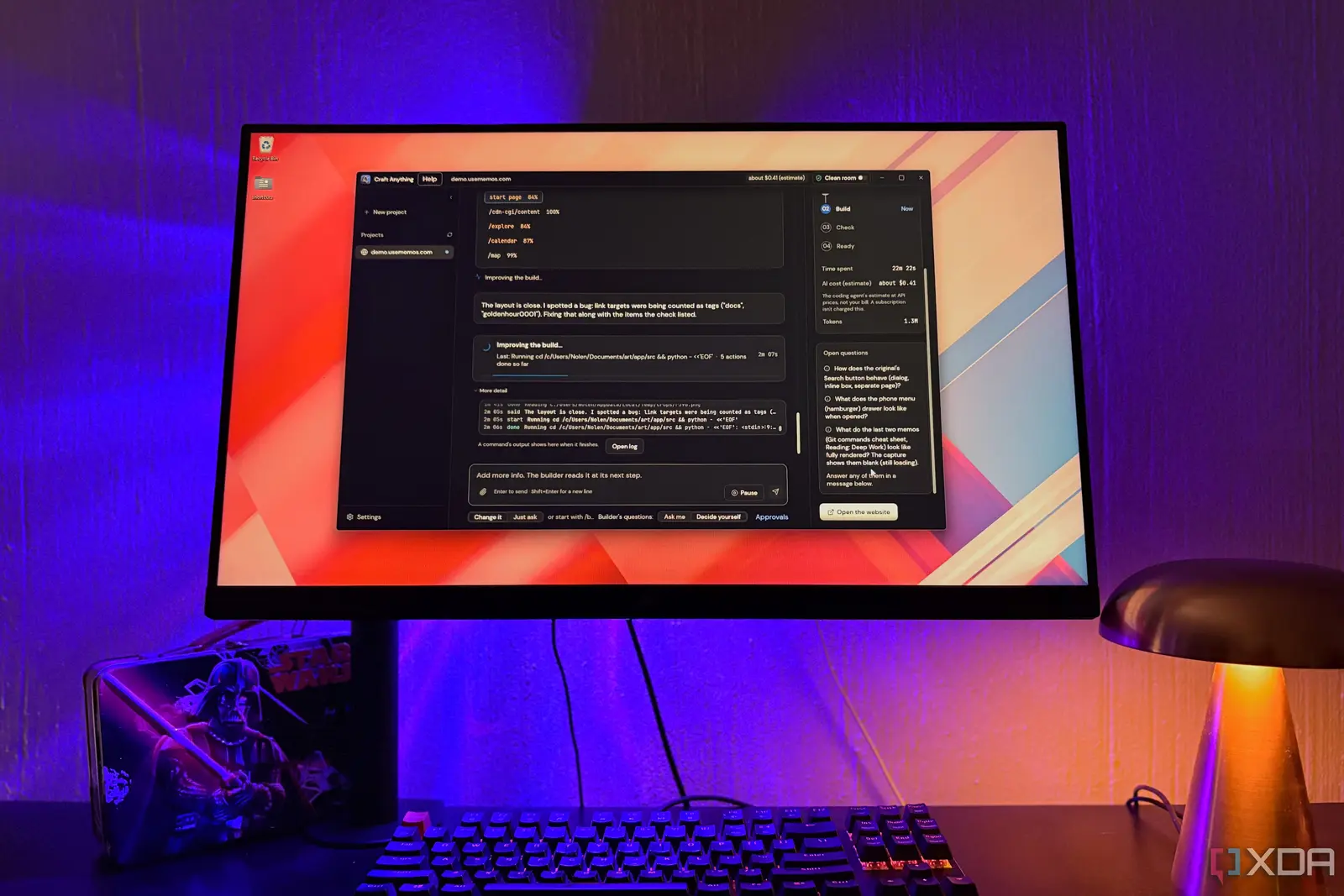 Open-Source Tools Challenge AI-Powered Development Platforms
 AI Infrastructure Bottlenecks: Why Release Pipelines Hold Back Fast Clusters
The company states that Gemini can analyze your inbox to provide intelligent summaries and suggested responses. This functionality relies on access to your Gmail account data. Users who prefer a more controlled experience can adjust the settings to limit what the AI can see.
Disabling the feature requires navigating to your Google account settings. Look for the „Geminior ”AI Assistantssection. There, you can toggle off the option that allows Gemini to access your emails. This stops the AI from automatically reading new messages.
Should You Trust AI With Your Inbox?
Google emphasizes that the AI only processes data to generate summaries and drafts. It does not store your email content permanently on its servers. However, the act of processing itself raises questions about data retention and third-party access.
Many users wonder if handing over their email data is worth the convenience. The trade-off is clear: better productivity versus greater exposure. Experts recommend reviewing which AI features are active and disabling those you do not need.
The broader trend shows Big Tech embedding AI into every application. This creates a Faustian deal for consumers. You surrender privacy in exchange for smarter, automated tools. Understanding what data flows where is essential for maintaining control.
Frequently Asked Questions
Can Gemini see my email attachments? Yes, if the feature is enabled. The AI can analyze attachments to provide better summaries. Disabling the feature stops this access.
How do I know if Gemini is currently reading my emails? Check your Google account settings under the Gemini section. If the email access toggle is on, the AI is actively processing your inbox.
Will turning off the feature delete existing summaries? No, it only prevents future access. Previously generated summaries remain in your account history. You can manually delete them if desired.