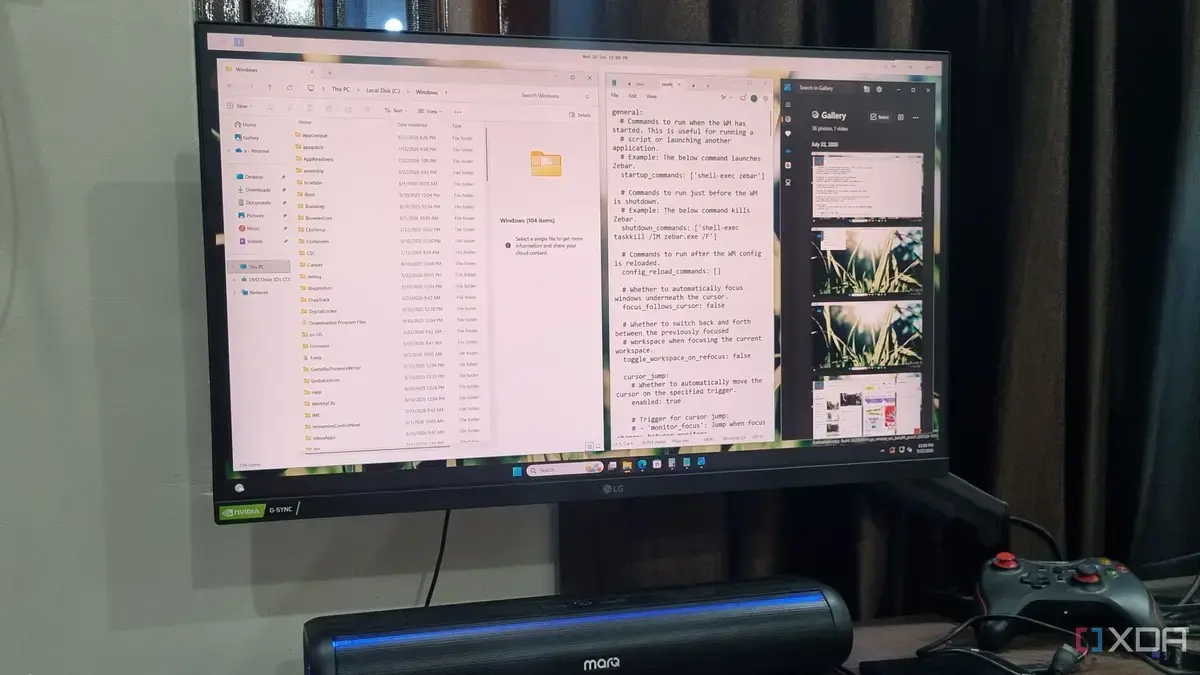
Revolutionizing Workspace Organization
A new software solution is transforming how users interact with Windows 11. Many are moving away from built-in features for a more efficient system. This shift involves adopting a free, open-source program.
Breaking news
 Trump Orders Federal Agencies to Adopt „Super Intelligence” Terminology
 The Silicon Valley Accountability Gap
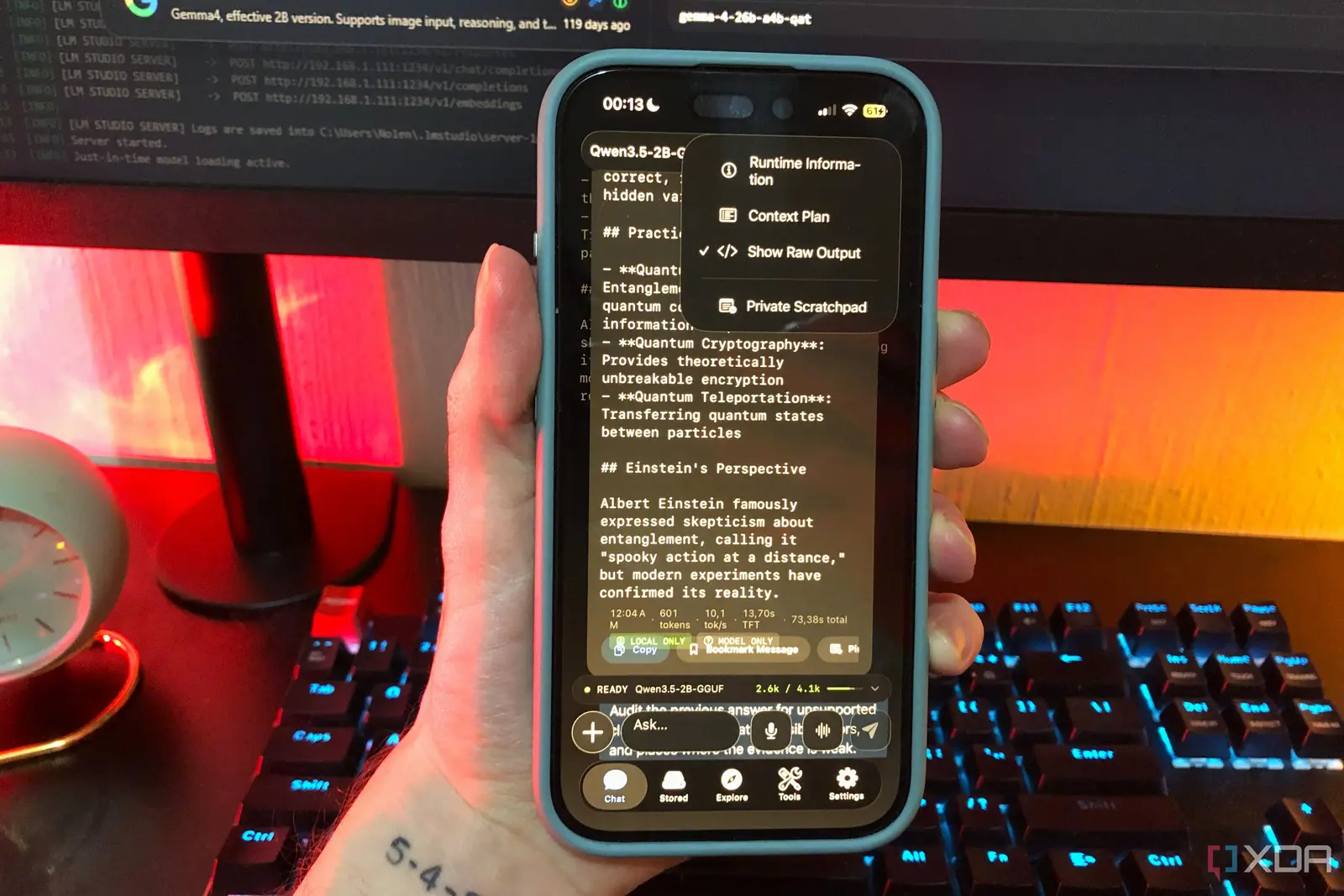 Running a Local AI Model on a Phone Handles Most Chat Prompts
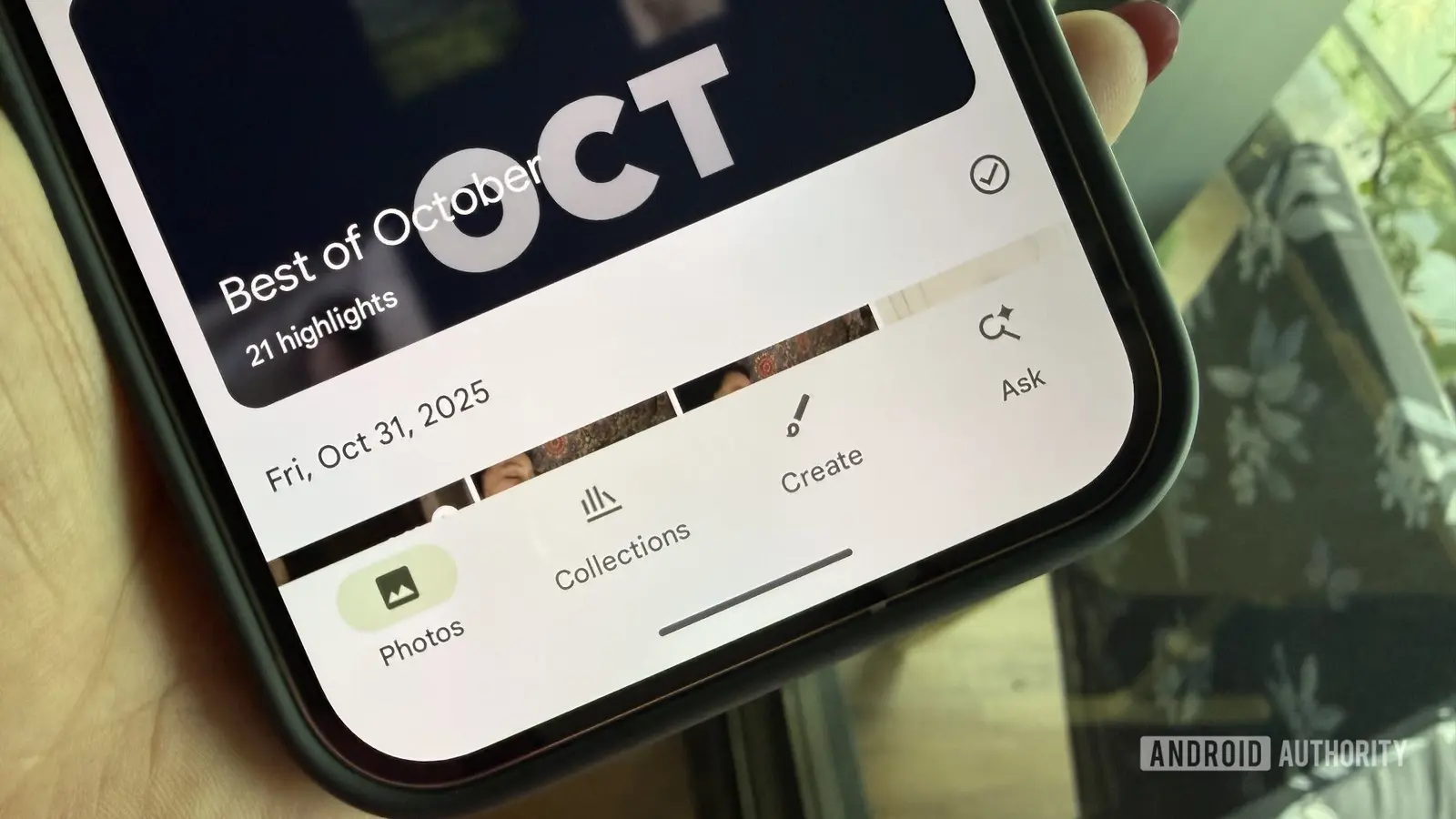 Google Photos Could Soon Offer a Fresh Start with Ask Photos Feature
This program, called GlazeWM, offers an i3-style tiling manager. It dramatically changes how windows are arranged on the screen. Users report a significant improvement in their daily computing experience.
GlazeWM allows for automatic window arrangement. Instead of manually resizing and moving windows, the software does it for you. This creates a more organized and clutter-free desktop. It is particularly useful for those who work with many applications simultaneously. The program is free and accessible to anyone.
Is GlazeWM Difficult to Set Up?
The traditional Snap Layoutsin Windows 11 are being overlooked. Users find GlazeWM to be more powerful and customizable. It offers a level of control that was previously unavailable. This leads to a smoother and faster workflow.
While GlazeWM offers advanced functionality, its setup requires some technical comfort. It is not a simple install-and-go application for everyone. Users might need to adjust configuration files. However, online communities and documentation can assist new users. The effort invested often pays off with increased productivity.
The adoption of GlazeWM highlights a desire for greater customization. Users want more control over their operating system's interface. This trend could influence future software development. It demonstrates a strong demand for efficient, user-centric design.
Frequently Asked Questions
What is GlazeWM? GlazeWM is a free, open-source tiling window manager for Windows 11. It automatically arranges application windows on your screen. This helps create a more organized and efficient workspace.
How does it differ from Windows 11's Snap Layouts? GlazeWM provides a more advanced and customizable way to manage windows. Unlike Snap Layouts, it automatically tiles windows. This offers greater control and efficiency for power users.
Is GlazeWM suitable for all Windows 11 users? It is most beneficial for users who frequently multitask or use many applications. While powerful, it may require some technical understanding for initial setup and customization.