The Hidden Cost of Background Graphics Utilities
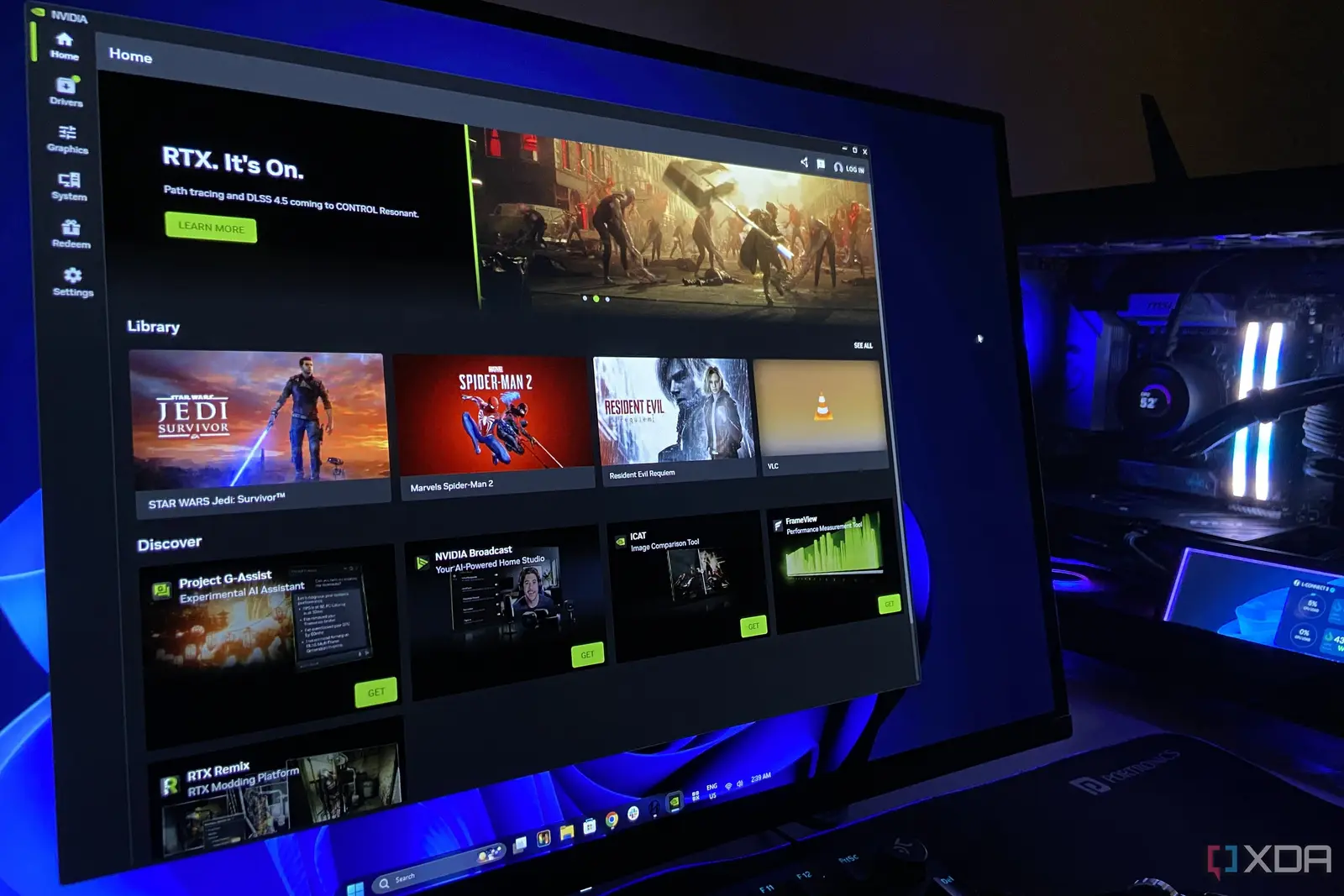
A major tech user recently discovered that Nvidia software silently consumed forty gigabytes of vital hard drive space on their C partition. The massive storage allocation went entirely toward a minor background feature that offered virtually no noticeable utility during daily computer usage.
Breaking news
 Why Authentic Social Signals Matter for AI Training Data Quality
 How Passive Mobile Execution Is Reshaping Digital Labor Economics
 Algorithmic Transparency: How Quantitative Discipline Reshapes Digital Asset Markets
 Why Technical SEO Scanning Is Essential for Modern Web Performance
Modern solid-state drives command a high price, making every gigabyte of local storage exceptionally valuable for users. Losing forty gigabytes to an uninvited background process represents a frustrating waste of precious resources, particularly for gamers and professionals relying on lean operating systems.
The massive storage bloat stems from telemetry and caching functions built into standard graphics driver packages. Users frequently install complete software suites without realizing that auxiliary tools demand significant local disk space over time.
Are Graphics Drivers Stealing Your Hard Drive Space?
Many computer owners operate with limited primary drive capacities to keep boot times fast and costs manageable. Surrendering such a large chunk of drive space to a secondary utility creates immediate bottlenecks for applications and operating system updates.
Advanced diagnostic tools and optimization packages often prioritize cloud data caching directly on the primary local drive. This automated behavior occurs completely behind the scenes, leaving standard users in the dark until warning signs appear.
Frequently Asked Questions
Hardware manufacturers must prioritize transparent installation options that allow individuals to decline unnecessary features. Giving consumers direct control over local storage allocation prevents unexpected shortages and preserves system performance.
What caused the massive storage loss on the C drive? An Nvidia background feature quietly cached data over time, consuming forty gigabytes of local storage without user notification.
Can users prevent graphics software from taking up too much space? Yes, paying close attention during custom installations and regularly clearing application caches helps reclaim valuable disk space.